Oct 14, 2024
Automate Your Excel Tasks with Python — A Beginner’s Guide
Discover how Python can automate Excel reports, clean data, and save hours of repetitive work.
Introduction
If you spend hours cleaning Excel data or copying values across sheets, there’s a better way.
Python can do all that — and more — automatically.
1. Why Use Python with Excel
Python can:
Merge multiple Excel files
Remove duplicates or errors
Create automated reports
Send output directly to Power BI or Google Sheets
All without opening Excel manually.
2. Simple Example
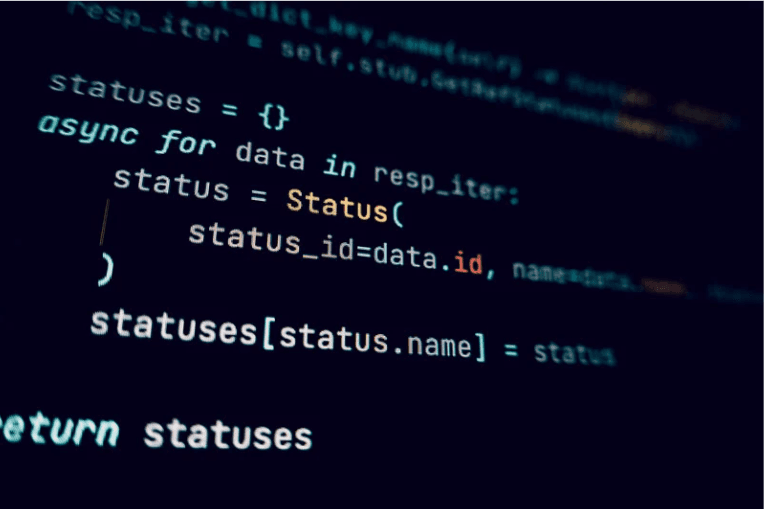
This tiny script cleans and aggregates data in seconds.
Conclusion
Python automation is like hiring a digital assistant for Excel.
If you’d rather let someone handle it for you, Trusformer can build custom Excel automations starting at just $50/hour.